
.png)
Analyze Personio and payroll data in one view
Personio master data, DATEV/SAP salaries: one view instead of separate evaluation.
Somewhere in your company, someone from the HR department is currently exporting a list from Personio. Shortly after, a second export follows, this time from DATEV or SAP, containing the month's payroll data. Both files end up in Excel, are painstakingly merged using the employee number, cleaned up, and compiled into a table that is ultimately supposed to somehow work together.
Does this sound familiar? Then you're not alone. You probably also don't know that there's a much simpler way. The following questions will show you why separating Personio and payroll data is a problem and what changes when both are combined in a single view.
Question 1: Where are your Personio and payroll data actually located?
In most medium-sized companies, the answer is: in two completely different places.
Personio manages your workforce's master data – who joined when, which department they work in, how many vacation days they have left, and who is sick or on parental leave. The actual payroll processing, however, is often handled by DATEV LODAS or LuG, or in larger companies by SAP HR. This is where the truly nuanced figures reside: gross salaries, employee benefits, bonus payments, and cost center allocations.
The two systems don't communicate with each other. That's not inherently a flaw. Personio is built for HR management, DATEV and SAP for payroll. However, neither system alone is sufficient for reporting.
Question 2: Why is Personio alone not sufficient for complete HR reporting?
Personio shows you how many employees you have, what the turnover rate is, or how absences are developing, but not what that workforce costs. A CFO or management team needs precisely this connection to make informed decisions.
For example: The headcount in a department has remained stable throughout the year, but personnel costs have nevertheless risen significantly. Without payroll data, you only see half the story. Only with both data sources combined can you determine whether the increase is due to salary increases, bonuses, or higher benefits.
Those who only analyze Personio data have a personnel dashboard. Those who analyze Personio and payroll data together have a true management tool.
Question 3: What are the specific benefits of having both data sources in one view?
These three things will change immediately:
1. You see headcount, turnover, absences, and personnel costs side by side, instead of mentally combining them in two Excel spreadsheets. A noticeable cost trend can be explained in seconds by the corresponding personnel movement, not after half an hour of reconciliation.
2. The analysis can be filtered by location, department, or cost center, across both systems. Want to know how personnel costs at a specific location have developed relative to the headcount there? One click, no manual linking required.
3. The figures are consistent. Currently, in many companies, several people work with multiple versions of the same Excel file. One person gets the figures from Personio, another from DATEV, and in the end, meetings are spent discussing which version is correct, instead of talking about the actual content.
Question 4: How technically complex is such a connection really?
Less than many assume. Many HR departments believe that Personio and payroll data must remain permanently separate because they originate from different systems.
In practice, both sources can be integrated automatically. Personio provides master data, attendance and absence records, and time tracking data; DATEV LODAS or LuG provides payroll processing including supplementary calculations; and SAP HR adds employee master data, cost center information, and salary data. All sources are automatically and daily updated and consolidated into a central dashboard, eliminating the need for anyone to manually copy and paste Excel files each month.
Question 5: Who actually benefits from a shared viewpoint?
More roles than you might think at first glance.
HR management gains transparency into employee turnover, absences, and headcount across all departments. The CFO sees up-to-date and consolidated personnel costs instead of waiting for the final figures at the end of the month. Department heads receive their own targeted reports without access to data that isn't relevant to them. Executive management has reliable figures readily available for decision-making or the next meeting with the bank. After all, personnel costs are one of the largest expense categories in a company.
What you should take away from these five questions
Separating Personio and payroll is not a necessity, but rather a data silo that can be dismantled with a little effort. Those who continue to combine both systems via Excel waste time, risk errors, and make decisions based on figures that may already be outdated by the time they are fully compiled.
This is precisely where loyos ' HR Reporting Suite comes in: It automatically combines Personio, DATEV LODAS/LuG, SAP HR and virtually any other HR or payroll source in one dashboard – up-to-date, consistent and filterable by location, department or cost center.
For HR, CFO and management, this means:
● A common database instead of separate exports
● Up-to-date key figures on headcount, turnover, absences and personnel costs
● Target group-oriented dashboards instead of multiple Excel versions
What does your Personio & payroll data view look like?
If you've noticed while reading that you're currently operating in two separate systems, it's worth taking a look at the dashboards, KPIs, and interfaces that the HR Reporting Suite already offers, and how other medium-sized companies are already using HR reporting with Personio integration. We'd be happy to show you what a unified view for a company your size could look like.
Discover more insights
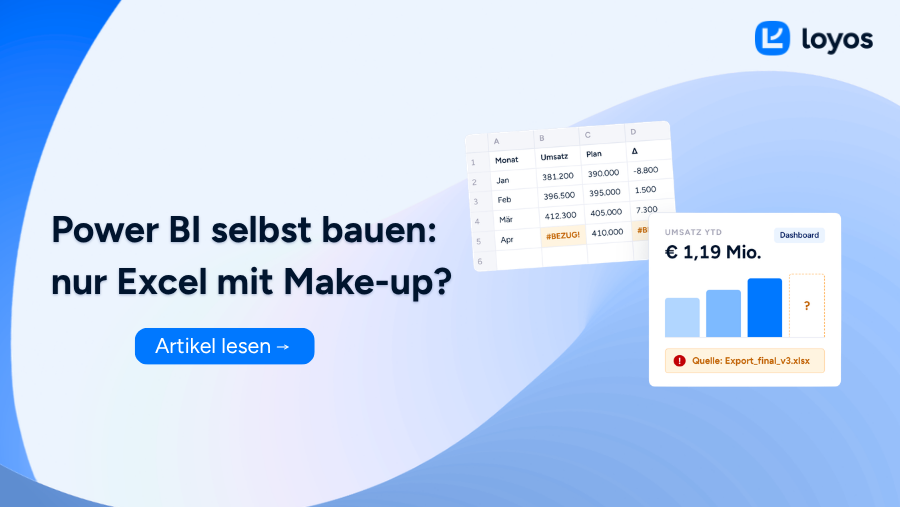
Build your own Power BI
Your Power BI dashboard looks good, but are the numbers accurate? Pitfalls of building your own and how to avoid them.
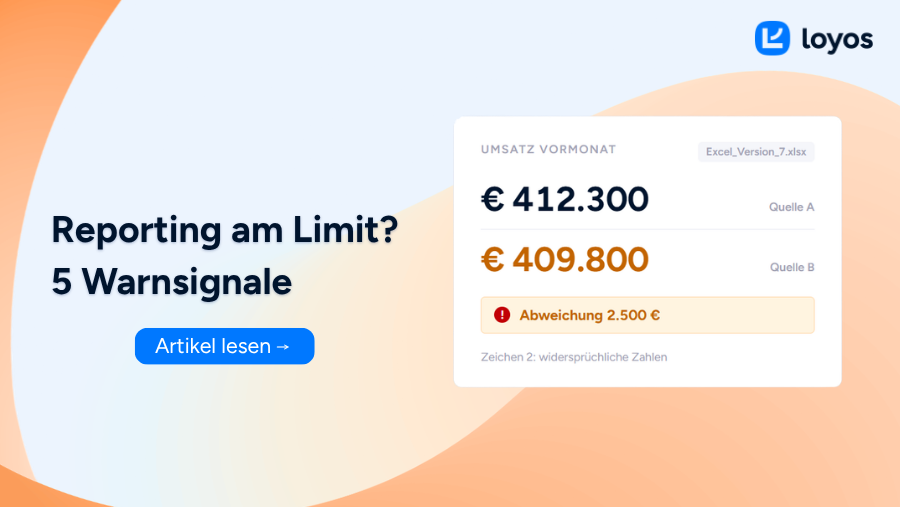
5 signs that your reporting setup is reaching its limits
5 signs that you've outgrown your reporting setup and what you can do about it.

These reporting basics will help you increase your selling price.
Selling a company? How good reporting influences the purchase price.